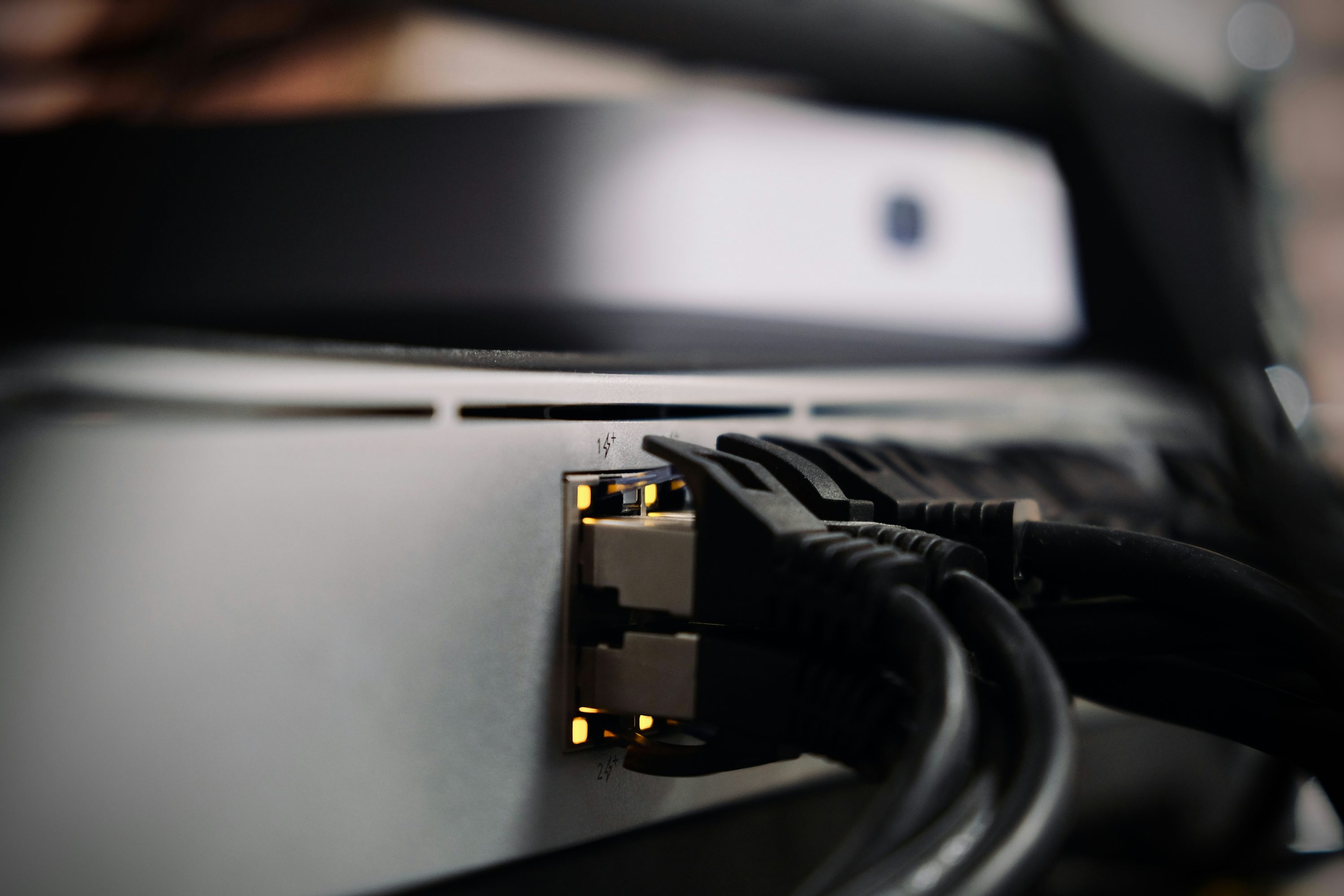
From a single-router Wi-Fi upgrade to a full Cat6 office network with managed switches, access points and guest VLANs — we design, cable, install and configure networks that actually cover your space and stay up.
Wi-Fi that reaches every corner. Networks that don't quit.
Residential and business networking have different requirements but the same goal: reliable coverage where you actually use the internet. A home user wants strong Wi-Fi in the lounge, the bedroom and the garden; a business needs cabled points for the printer and POS, separate Wi-Fi for staff and guests, and enough bandwidth to keep a Zoom call stable while a backup runs. We design for the actual use-case — not a one-size-fits-all install.
Mesh systems (Deco, Eero, Nest, Orbi) are the right answer for most homes and small offices — multiple small units spread through the building create one seamless Wi-Fi network, hand off your device as you walk between rooms, and eliminate the dead zones that a single router leaves behind. Access points (UniFi, Aruba, TP-Link Omada) are the right answer for larger offices and businesses — they're mounted on the ceiling, run back to a central switch, and can be managed centrally with separate SSIDs, VLANs and bandwidth limits.
Cat6 cabling is the backbone of any reliable office network. Even with excellent Wi-Fi, cabled connections are faster, more secure, and essential for fixed devices — printers, NAS, IP phones, IP cameras, POS terminals and desktop workstations. We do clean, professional cable runs: surface-mounted trunking where the building doesn't allow ceiling cavity work, properly terminated RJ45s at wall plates, every cable tested and labelled at handover. No cable soup behind the desk.
Managed switches give us the control to set up VLANs — virtual networks that keep traffic separated. A typical small office setup puts POS and payment devices on one VLAN (most secure, no internet access for anything else), staff computers and printers on another, and a guest Wi-Fi on a third with bandwidth limits and isolation from the rest of the network. This is no longer enterprise-grade complexity — modern managed switches cost from R1,500 and configuring them is part of any business install.
Network security basics matter — a poorly secured Wi-Fi network is the easiest way into a business's data. We disable WPS (a known weak point), use WPA3 where devices support it, change default admin passwords on routers, hide the SSID for sensitive networks, and configure the router's firewall to drop inbound traffic by default. For businesses with POPIA obligations, we'll document the network setup and the security choices made — useful for compliance and for any future IT partner you bring in.
What's included
A breakdown of the specific deliverables you can expect from this service.
Wi-Fi site survey
We walk your premises with a Wi-Fi analyser, map signal strength and dead zones, and identify sources of interference (microwaves, baby monitors, neighbour networks). The survey is free with any installation.
Mesh & access point installation
TP-Link Deco, UniFi, Omada or Eero — matched to your building size and budget. We place units based on the survey, not the most convenient power point. Wall-mount or ceiling-mount, properly cabled back to the main router.
Cat6 network cabling
Surface trunking or in-conduit cable runs, properly terminated, tested and labelled. Up to 100m per run. Wall plates, surface mounts, and floor boxes available. R350 per point including cable and faceplate.
Switch & router setup
Managed switches for VLANs and traffic shaping. Routers configured for your ISP (Vumatel, Openserve, Frogfoot, Comtel, RocketNet), with Wi-Fi disabled on the ISP router to avoid double-NAT issues.
Guest network configuration
A separate Wi-Fi network for visitors, customers and IoT devices — isolated from your main network with bandwidth limits, captive portal and time limits. Essential for restaurants, guest houses and medical practices.
VPN for remote access
Securely reach your office network from home or while travelling. WireGuard or OpenVPN, configured on a dedicated router port or a small server. Two-factor authentication for sensitive environments.
Network security hardening
Default passwords changed, WPS disabled, WPA3 where supported, admin interfaces firewalled, router firmware updated, DNS configured to block malware domains at the network level.
Ongoing monitoring
For retainer clients, we monitor the network for outages, bandwidth hogs, and unauthorised devices. Alerts go to your support channel before you notice a problem.
Who It's For
How we work
A clear, predictable process — no surprises, no vague hand-waving.
Site survey
We walk your premises with a Wi-Fi analyser and a tape measure. You get a sketch map showing signal strength, dead zones, and proposed cable runs — and we discuss the trade-offs between mesh, access points and cabling for your specific space.
Equipment recommendation
Based on the survey, we recommend specific equipment with three price tiers where possible. You pick what fits the budget. We order on your approval — most kit is in stock at South African distributors within 1–2 days.
Cabling & installation
Cable runs first (messy work — drilling, trunking, ceiling cavity). Equipment install second. Wall plates terminated and tested. We work around your hours — after-hours or weekend installs available for businesses that can't close during the day.
Configuration & testing
SSIDs, passwords, VLANs, guest network, VPN, security hardening, ISP router reconfigured. We test every cabled point and walk through the building on a phone checking Wi-Fi signal strength in every room. Documentation handed over at the end.
From R2,500 for a single-router Wi-Fi upgrade (entry-level router + basic install). Full mesh system installed and configured from R6,000 (2–3 units). Cat6 cabling R350 per point including cable and faceplate. Office networks with managed switches and VLANs quoted per project — typical 10-point office install lands around R15,000–R25,000 including equipment. Fixed quote provided after the free site survey.
Quotes are obligation-free. Final pricing depends on scope, complexity and travel distance from Midrand.
Service Area
Based in Midrand, we install and cable networks across greater Gauteng. Most installs happen in Midrand, Centurion, Fourways, Randburg, Sandton, Roodepoort, Kempton Park, Edenvale, Kaalfontein and Pretoria. For larger commercial projects outside Gauteng, we travel and quote travel costs upfront.