Practical, hands-on digital skills training for South African individuals and teams. From basic computer literacy to Microsoft Office and Google Workspace productivity — designed for the actual jobs people do, not for exams.
Practical, hands-on digital literacy — for individuals, teams and organisations.
Our training approach is hands-on and task-oriented. We don't teach software menus — we teach real-world tasks. In Excel, that means building a budget for a household or a small business, creating a staff shift schedule, or running a simple sales pipeline tracker. In Word, that means writing a professional CV, formatting a contract, or creating a business letter that looks like it came from a real organisation. Learning the menus is a side effect of doing the task — the task is what people remember and apply.
Accreditation status is important to be honest about. Our courses are Ndayeni Solutions Digital Academy programmes — they are not NQF-registered qualifications and they are not SETA-accredited. They are practical skills courses with a Certificate of Completion issued by us. For most learners, that's exactly what they need: practical digital skills that improve employability and productivity. For learners who need an NQF qualification for a specific regulatory or study-pathway reason, we'll happily recommend an accredited public FET college or university programme instead.
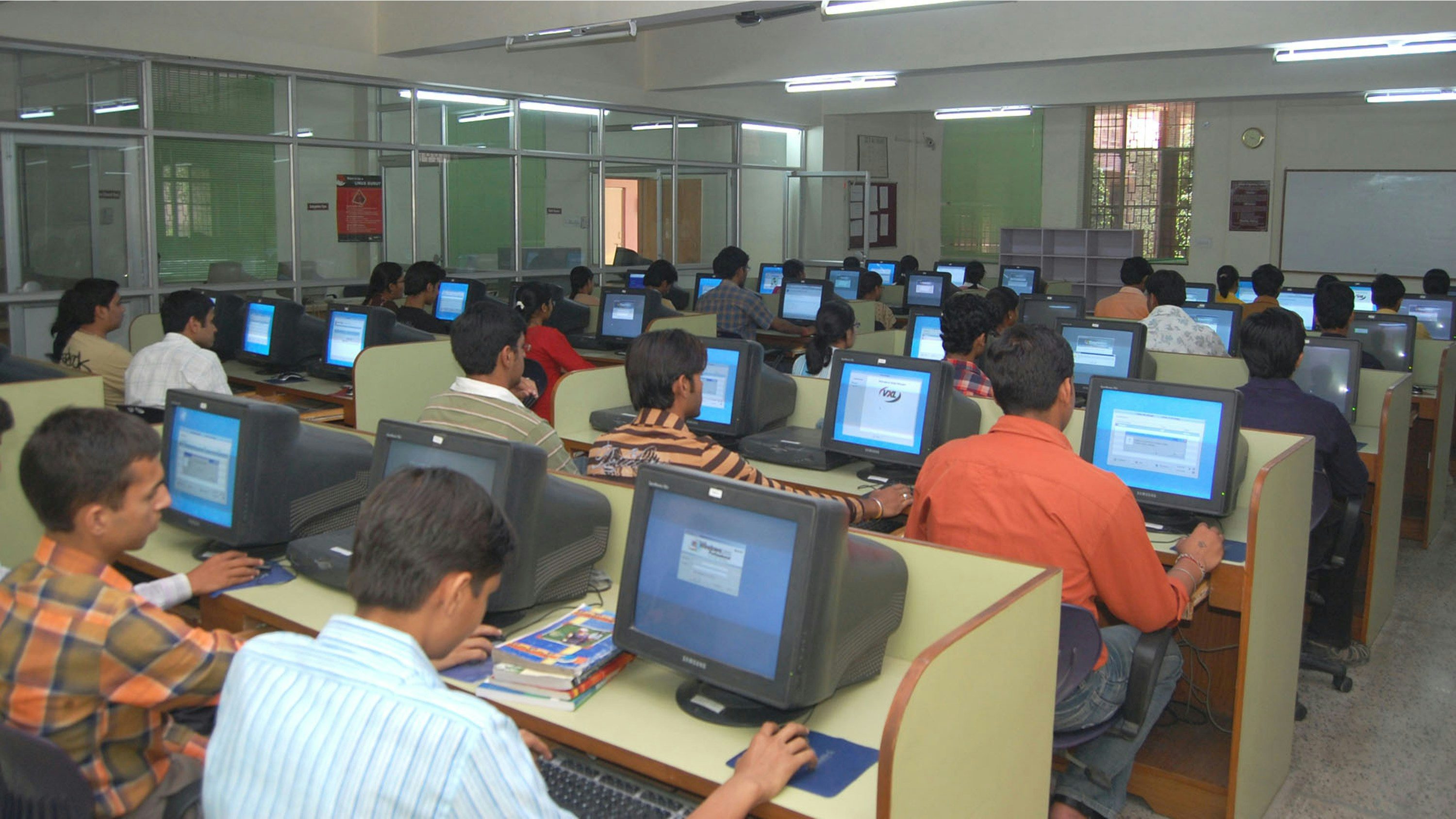
Public courses run monthly from our Kaalfontein training venue in Midrand, with intakes typically Monday–Friday 9:00 AM–1:00 PM. Evening and weekend options are available on request. Maximum class size is 12 people — small enough for individual attention, large enough for the peer learning that reinforces the content. We provide the computers (so you don't need to bring a laptop) and the printed course materials. You bring a notebook and pen, and ideally an idea of what you want to use the skills for.
On-site team training is a separate offering — we come to your premises (anywhere in Gauteng) and train your team together, on your equipment, using your actual documents and workflows. This is dramatically more effective than sending individuals to public courses — the team learns together, the examples are real (your spreadsheets, your letters, your customer emails), and the cost per person is lower. Typical formats are 1-day intensives (6 hours) or 2-day deeper courses. We can also deliver hybrid: hands-on in-person sessions supplemented with short recorded refreshers.
Our course catalogue is available on the /training page — twelve modules grouped into four programmes (End User Computing, Cloud & Online Productivity, Basic Graphic Design, and Digital Marketing Fundamentals). The full End User Computing programme runs over 6 weeks (8 modules), the shorter specialist programmes run over 1 week each (1–2 modules each). You can mix and match — we customise the programme to your team's actual needs rather than forcing everyone through the same content.
What's included
A breakdown of the specific deliverables you can expect from this service.
Basic computer literacy
From switching on a computer for the first time to file management, mouse and keyboard skills, basic Windows navigation, internet browsing and email. Suitable for complete beginners — no prior experience needed.
Microsoft Office (Word, Excel, PowerPoint)
Word for professional documents (CVs, contracts, letters). Excel for budgets, schedules, and basic data analysis. PowerPoint for presentations that don't put the audience to sleep. Taught through real-world tasks.
Google Workspace training
Gmail, Google Calendar, Drive, Docs, Sheets, Slides, Forms — for teams moving to or already on Google Workspace. Collaboration features (real-time editing, comments, suggestions) are a major focus.
Email & internet safety
Strong passwords, two-factor authentication, phishing recognition, safe browsing habits, secure handling of personal information, and what to do (and not do) if you suspect a compromise. Practical cyber awareness.
Social media for business
Facebook business pages, Instagram basics, TikTok for business, content creation fundamentals, online advertising basics, and Google Business Profile setup. For small business owners and marketing staff.
Web presence basics
What makes a good business website, how to brief a web designer, what to ask for, how to maintain the site after launch, and how to use Google Analytics basics to see what's working. Empowers you to buy web services well.
Custom team training
We design training around your team's actual workflows. Send us your spreadsheets, your documents, your processes — and we'll build a programme that uses your real work as the practice material. More effective than generic training.
Digital skills for job seekers
A focused programme for school-leavers, graduates and people re-entering the workforce. Covers the digital skills most employers expect (Office, email, internet research, basic digital professionalism) and CV preparation.
Who It's For
How we work
A clear, predictable process — no surprises, no vague hand-waving.
Needs assessment
For individuals: you tell us your goals and we recommend a programme. For teams: we meet with you to understand what your team currently does, what they need to do, and what gaps need closing.
Course selection
We recommend a programme (or design a custom one). For individuals, this is choosing from our 4 standard programmes. For teams, this is selecting modules from the 12-module catalogue and designing the schedule.
Schedule + venue
Public courses: pick an intake date from our monthly schedule. Team training: agree on dates, venue (your premises or our Kaalfontein venue), and equipment. We confirm with a written training agreement.
Training delivery + resources
Training delivered as agreed. Printed course materials and digital reference sheets provided. For team training, post-course follow-up (1–2 hours of phone/WhatsApp support) included for 2 weeks.
Public courses from R1,500 per person for 1-week specialist programmes. End User Computing (6-week programme) from R4,500 per person. On-site team training from R8,000 per day for up to 10 people, R800 per additional person (max 25). Custom curriculum design R2,500 one-off. Quote tailored to your team's specific needs — get in touch for an exact quote.
Quotes are obligation-free. Final pricing depends on scope, complexity and travel distance from Midrand.
Service Area
Public courses run from our training venue in Kaalfontein, Midrand. On-site team training is delivered across greater Gauteng — Midrand, Centurion, Fourways, Randburg, Sandton, Roodepoort, Kempton Park, Edenvale, Kaalfontein and Pretoria. For on-site training outside Gauteng, we travel and quote travel costs upfront. Public courses are open to learners from anywhere in South Africa.